BETA
Contact us to get early access
Turn product questions into dev-level answers.
Floatable lives inside your running product and answers complex questions at the source, before they turn into developer interruptions.
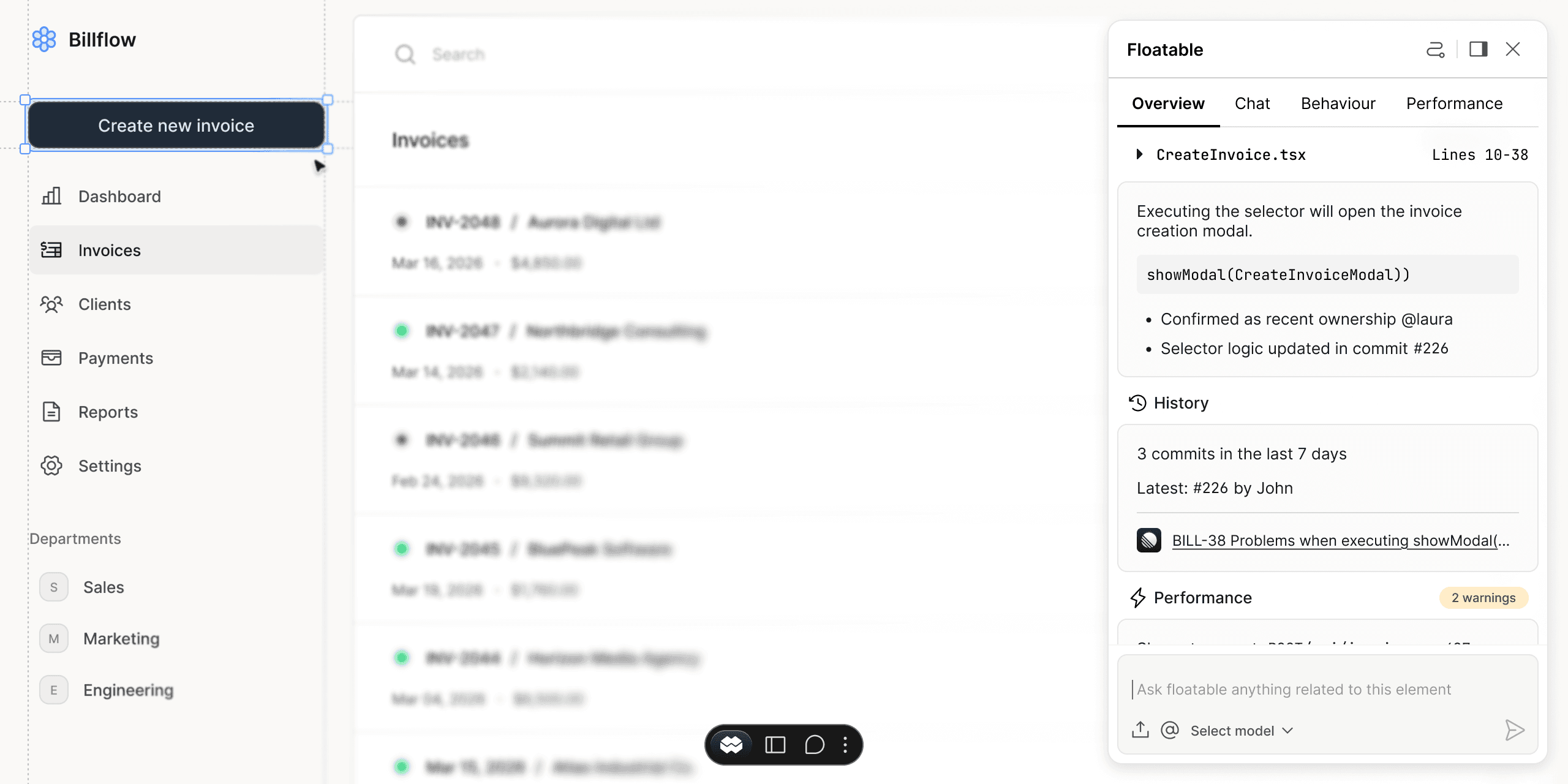
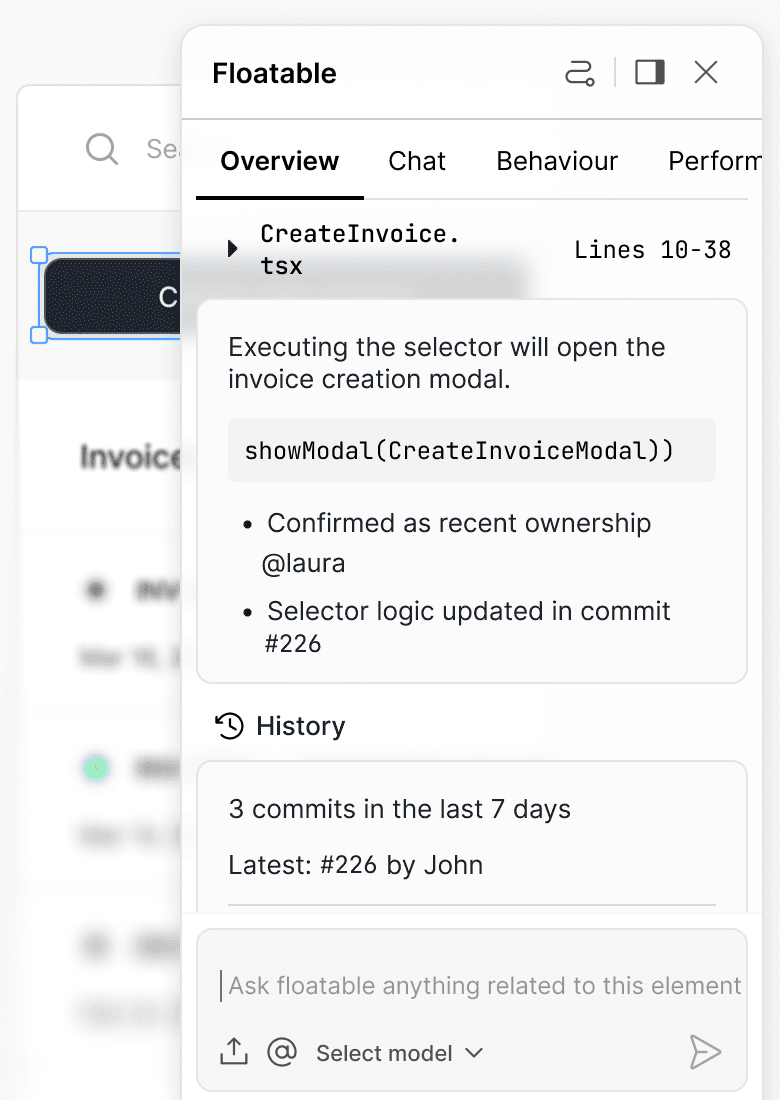
Grounded answers. Zero dev interruptions.
Instead of routing questions through devs, answers to your questions surface directly inside the product.
Design
Who added this element?
@alex added this element in app/components/Header.tsx in commit #482 on 2026-01-30.
Component history
Product
List the 5 slowest network requests.
Here are the slowest network request captured (sorted by duration_ms):
477 ms - GET
Runtime performance
QA
List potential bugrelated issues on this page.
From the implementation of / (Next.js app/page.tsx), there are a few likely bug/prone-to-break issues to watch for:
Page diagnostics
Support
Convert this to a bug ticket in Linear.
Auto-generated ticket
The ticket is structured it with clear acceptance criteria and linked context from the DOM element, code references...
Not another system to manage.
Floatable doesn’t replace your tools. It makes product questions clear enough to push foward.
Preserves your workflow
Keep using Linear, Jira, GitHub — nothing changes.
Not a system of record
Floatable doesn’t track or manage work. It clarifies it before it reaches your tools.
Better tickets from the start
Product questions become structured, context-rich work, before they’re tracked.
The untracked work
Devs spend more time clarifying context than improving the product. Questions about behavior, ownership and performance often turn into repo dives and Slack threads.
Without Floatable

Who changed this component?
→ search and review commits

Is this expected behaviour?
→ Reproduce, inspect and validate

Why does this feel slow?
→ open DevTools and investigate
With Floatable
app/components/Header.tsx
Lines: 32–37
5 commits in the last 30 days
Latest: #310 by John.
Renders when user.isAuthenticated === true
Fallback logic added in #298
Renders when GET/api/profile — 487ms
Recent bundle increase: +12kb in #304
Create your workspace
Apply for access, create a workspace, and invite your team.
Connect GitHub or GitLab
Authorize via GitHub, or generate a GitLab token and webhook.
Add the snippet
Select your repositories and paste the snippet into your codebase.
Security & privacy
Floatable is designed to keep your code and customer data under your control. We only request the minimum access needed to provide product context.
Minimal permissions
We request the smallest set of Git permissions required to map product context to code. You choose which repositories to connect.
Your data stays yours
Your code and product context are used only to answer questions in your workspace — not to train public models.
Control & auditability
Manage access at the workspace level, remove integrations anytime, and keep visibility into what’s connected.